 Get the app
Reusable job templates and photo steps
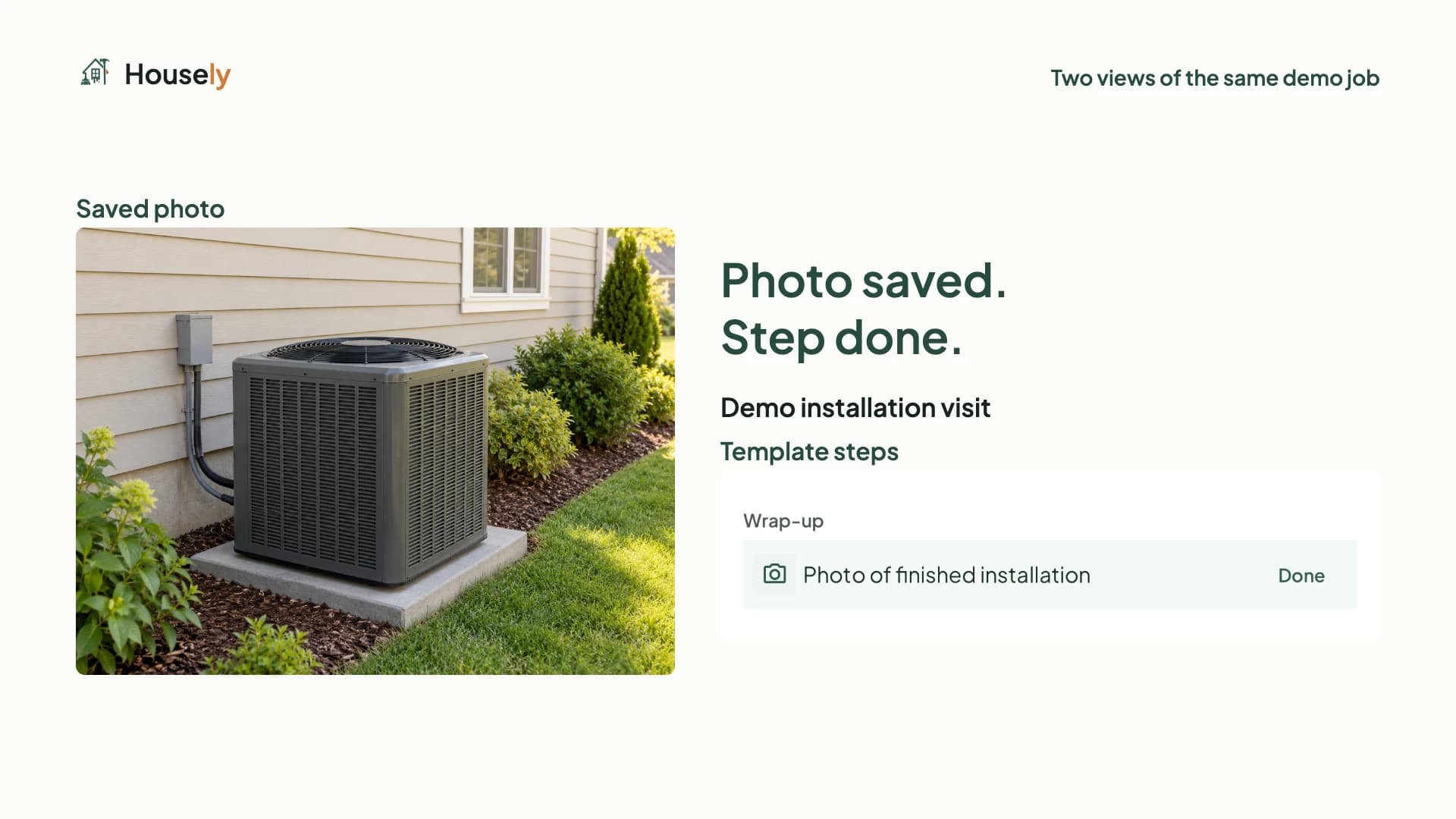
See how to create a photo step, activate a reusable job template and attach installation evidence to the right step in Housely.
Embedded YouTube player. YouTube receives connection information when this page opens.
Creating custom job templates requires Business. The photo step shown is optional and does not block job completion. Fictional business and job; installation photo is sample data. Illustrative imagery generated with OpenAI. Narration is synthesized.
What you’ll see
- Create a photo step and make the template active.
- Choose the template for a new installation job.
- Attach the photo to the step and see it marked done.
Put it into practice
Transcript
Your way of working. Ready for every visit. With Housely, shape a job template around your process. Add a step that asks for a photo. Make it active for new jobs. Create a job from that template. Your step is already there. On the visit, add the photo and keep a clear record of the work. Your process, ready for every visit. Housely. Every home, organized.